
Sales & POS
Customers
Your customer list keeps a record of the people and businesses you sell to. You can attach a customer to a POS sale or an invoice so you always know who bought what.
Viewing your customers
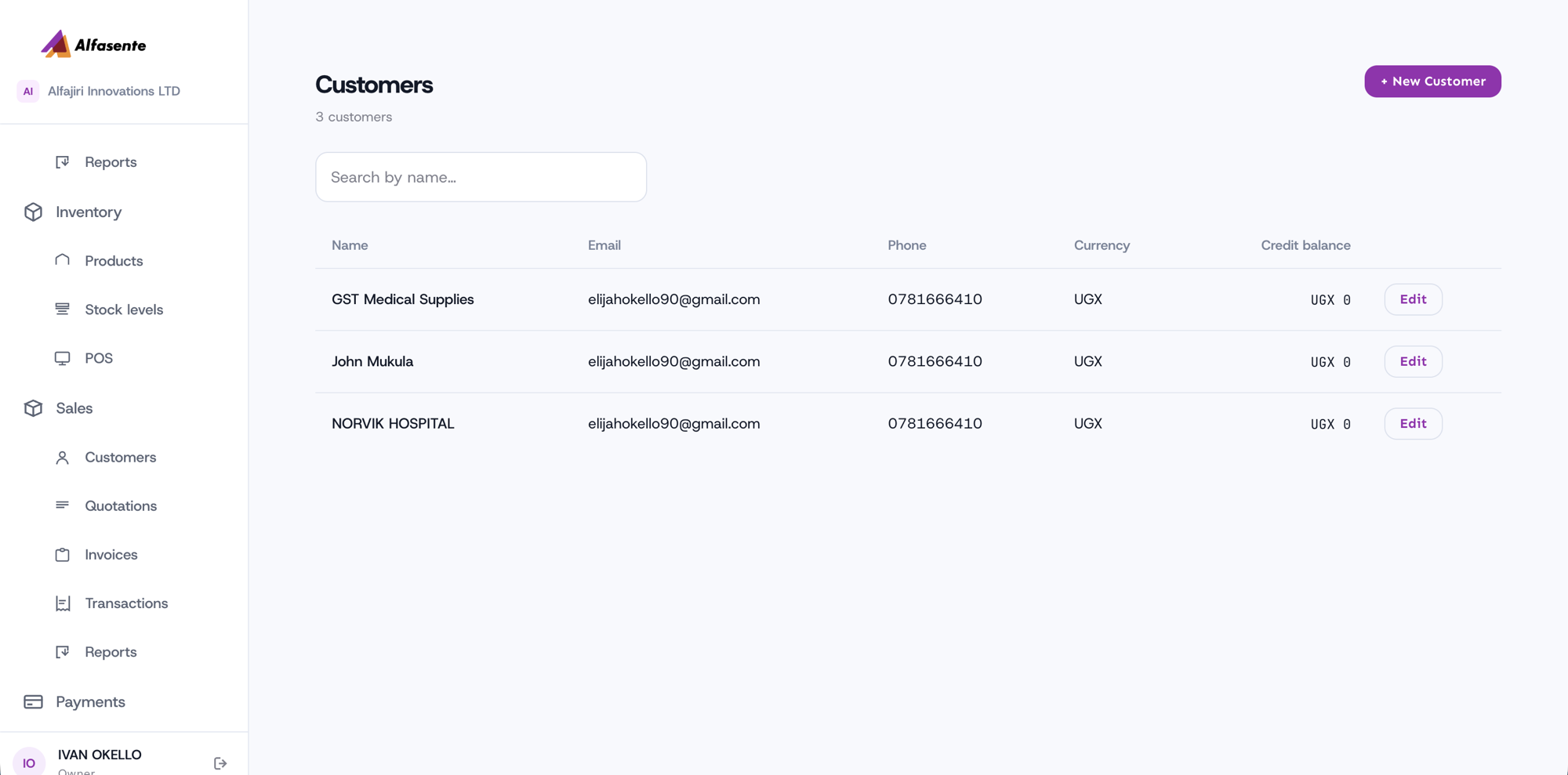
Go to Sales → Customers to see your customer list.
Adding a customer
- Go to Sales → Customers.
- Click + New Customer.
- Fill in the details and save.
Each customer record holds:
| Field | Notes |
|---|---|
| Name | The customer's name. |
| Their email address. | |
| Phone | Their phone number. |
| Currency | UGX. |
| Credit balance | The customer's credit balance. |
Using customers
Once a customer exists, you can:
- Attach them to POS sales and invoices, so the sale is linked to their record.
- Edit their details at any time.
Last updated 2026-08-11