
Getting Started
Create your account
Getting started takes a couple of minutes. You can begin with a 30-day free trial — no credit card needed.
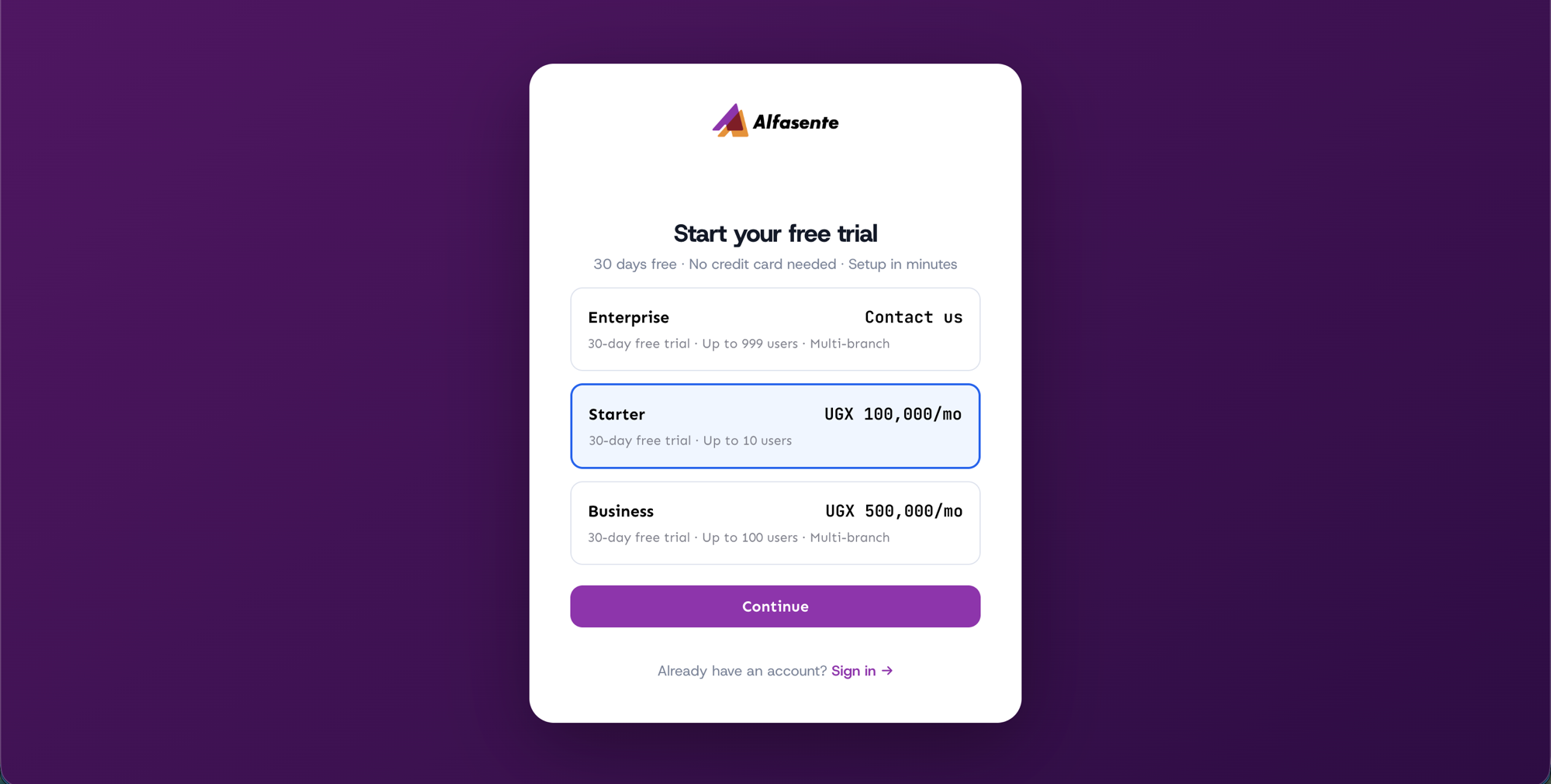
Sign up in two steps
1. Choose a plan
On the registration page, start by choosing the plan that fits your business. You can start on a 30-day free trial, so you're free to explore before you commit. You can change plans later from your billing settings.
2. Fill in your details
Next, complete the create-account form:
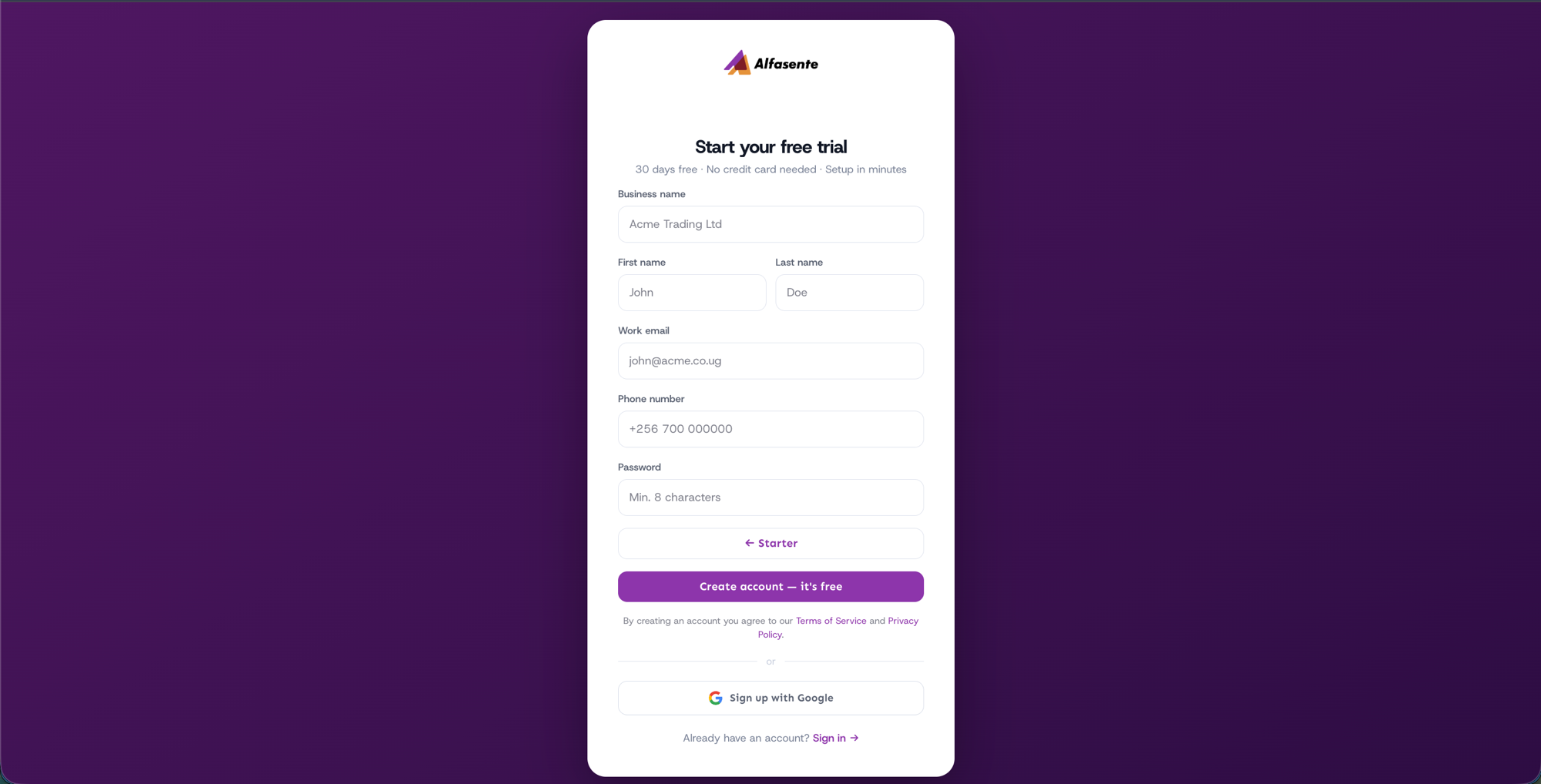
| Field | What to enter |
|---|---|
| Business name | The name of your business. |
| First name | Your first name. |
| Last name | Your last name. |
| Work email | The email you'll sign in with. |
| Phone number | Your number in the form +256…. |
| Password | At least 8 characters. |
Prefer to skip the form? You can also Sign up with Google.
What happens after you sign up
Once you sign up, Alfasente ERP sets up your business for you. Your business is created with:
- a chart of accounts ready for your bookkeeping, and
- a default store to hold your inventory.
You are set as the Owner of the business, which gives you full control — including inviting your team and managing billing.
Signing in later
Already have an account? On the sign-in screen you can:
- Sign in with your email and password, or
- Continue with Google.
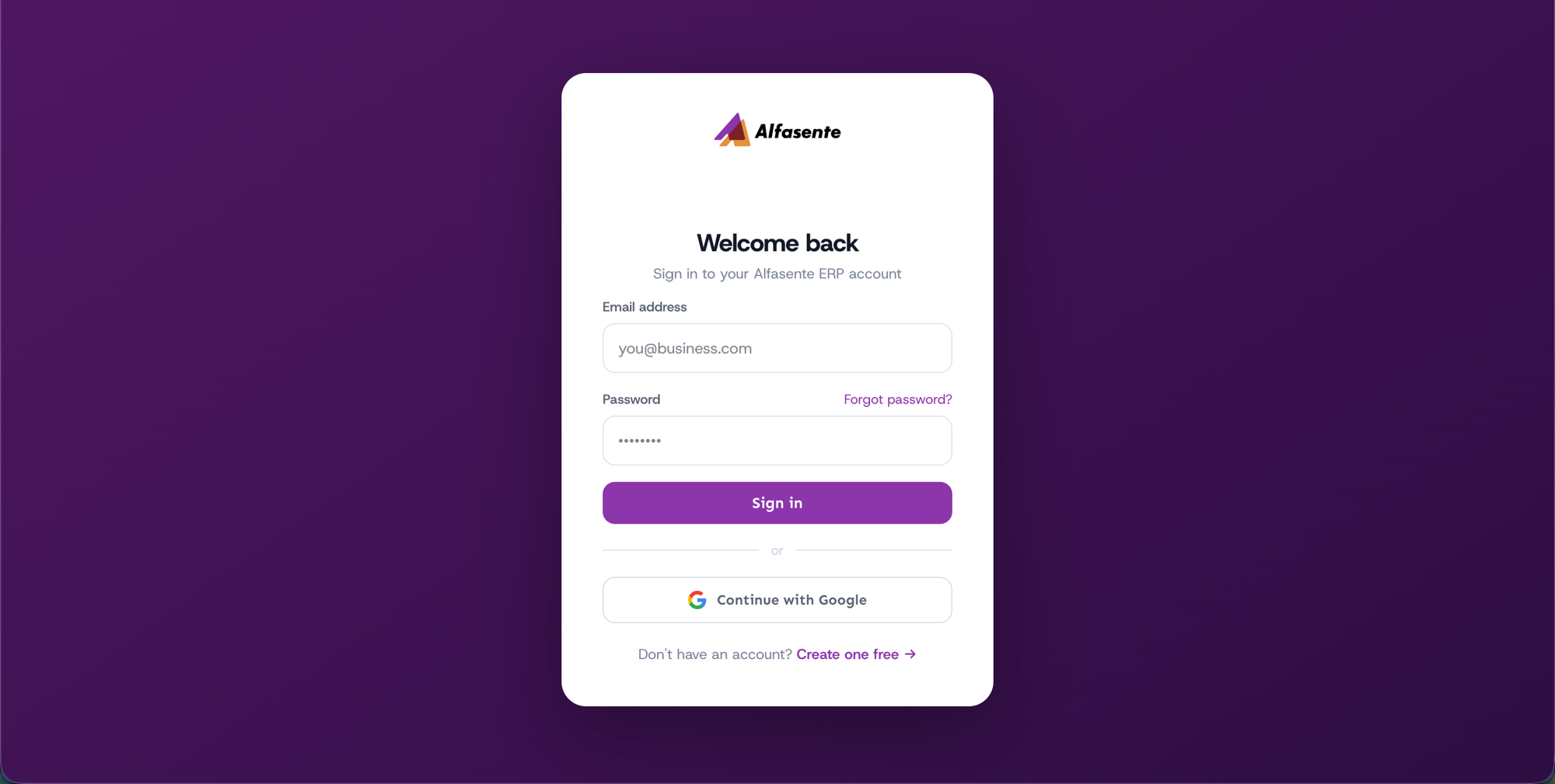
Forgotten your password? Use the Forgot password? link on the login screen to reset it.
Next steps
- Take the Dashboard tour.
- Invite your team in Users and roles.
Last updated 2026-08-11