
Financial Services
Members
Your member registry is the heart of the module. It's the list of everyone your SACCO or lending business serves. A member can hold savings accounts and loans, so everything else starts here.
Member numbers
Leave Member number blank and one is created on save, or press Generate, or type your own.
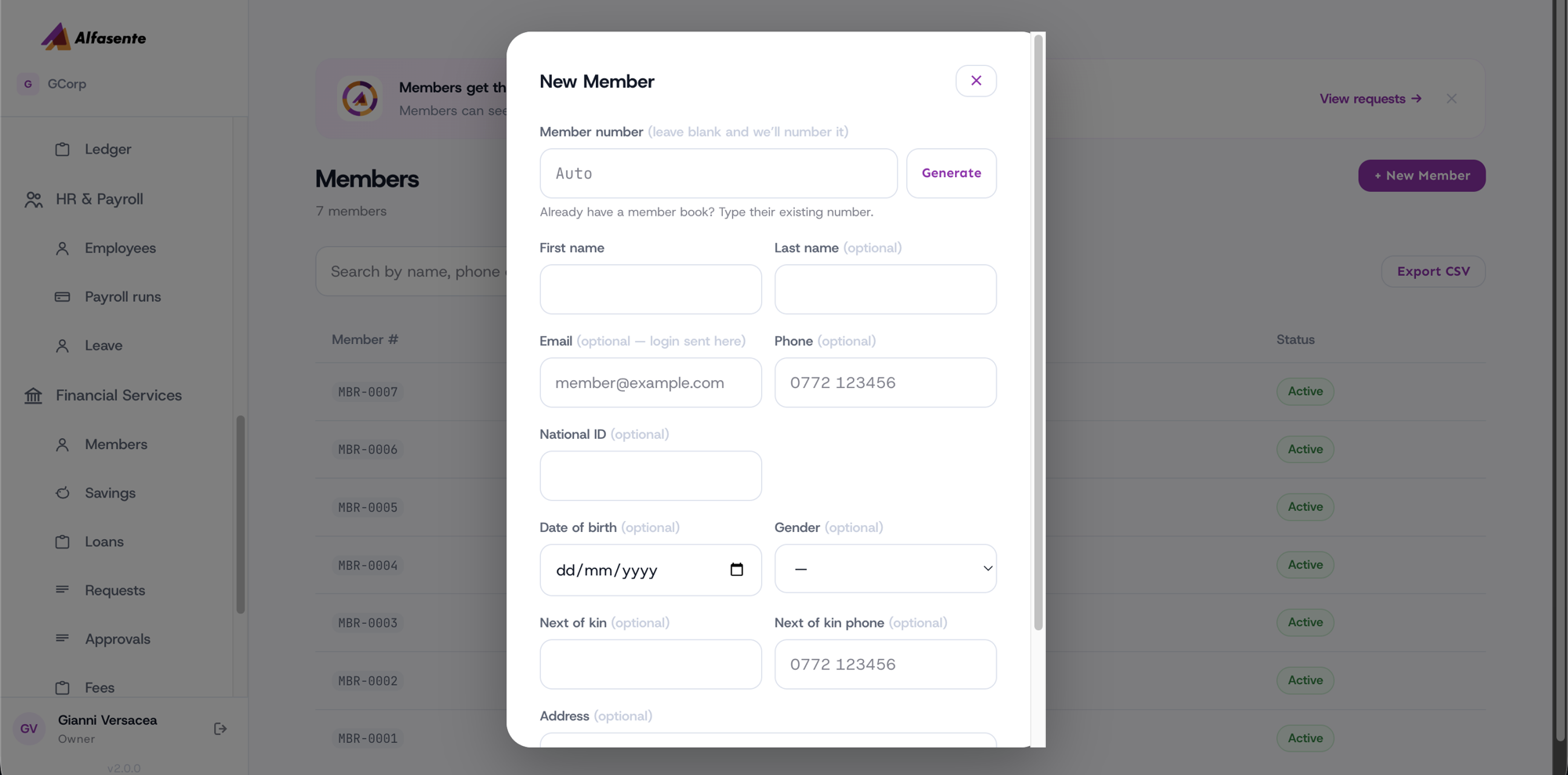
Moving off a paper member book? Type each member's existing number. It is kept exactly as you write it, and it does not disturb the numbering of members added afterwards. You are never forced to renumber a book that is already written in passbooks.
Adding a member
When you register someone, you capture the details you need to identify them and stay in touch:
| Detail | Why you capture it |
|---|---|
| Full name | Who the member is |
| Phone number | For contact and for mobile money (MTN or Airtel) |
| National ID | To verify identity |
| Next of kin | A contact in case you can't reach the member |
You can record additional details as your business needs them. Take care to enter the phone number correctly, since it's the number that receives mobile money prompts and payouts.
Member numbers
Each member is given a member number automatically when you add them. You don't have to think one up — the system assigns the next one in sequence, so every member has a unique, tidy reference you can use on statements and receipts.
Adding a member's email is optional but recommended: when you later issue them an Alfasente Circle login, their sign-in details are emailed straight to that address.
Member statuses
A member's status tells you where they stand with your business:
| Status | What it means |
|---|---|
| Active | A member in good standing who can save and borrow |
| Dormant | A member who has been inactive for a while |
| Exited | A member who has left your SACCO or business |
Keeping statuses up to date helps you see who is actively transacting and who has moved on.
What a member can hold
Once someone is on the registry, they can:
Everything a member does is tied back to their record, so you always have a full picture of each person in one place.
Last updated 2026-08-22